

Room names: Lovelace | Babbage | Cerf | Conference Room A, B, C, & D | Collaboration Room X & Y
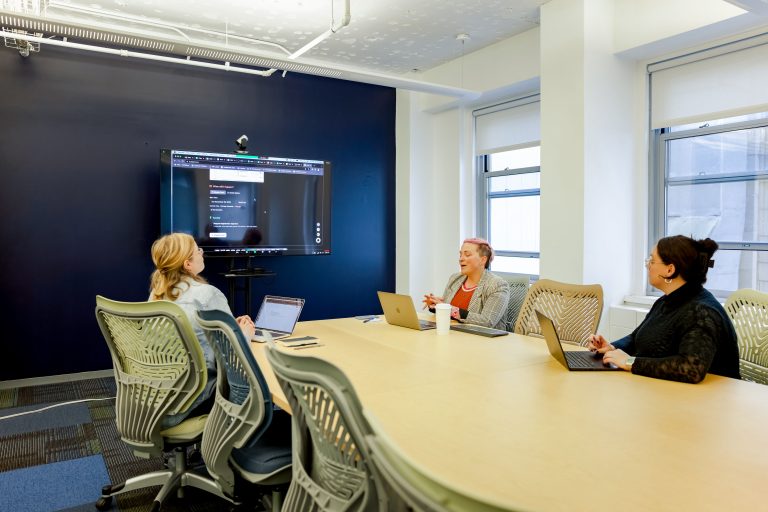
If you know/have the Meeting ID, you can join a meeting currently in progress from the Zoom Room Controller on the iPad.
You’ll need your Laptop or Phone.
You do not need to be a zoom company to use the screen sharing feature.
All TeamWorking Zoom-enabled rooms can now seamlessly connect to Google Meet, Microsoft Teams, and Cisco WebEx.

Room Names: Borg | Carver | Conway | Franklin | Hamilton | Hopper | Johnson | Kilby | Lamarr | Pascal | Tesla
Each enabled huddle room will have instructions on how to screen share directly on the screen!
Need additional assistance? Please reach out to [email protected] or locate your point of contact!
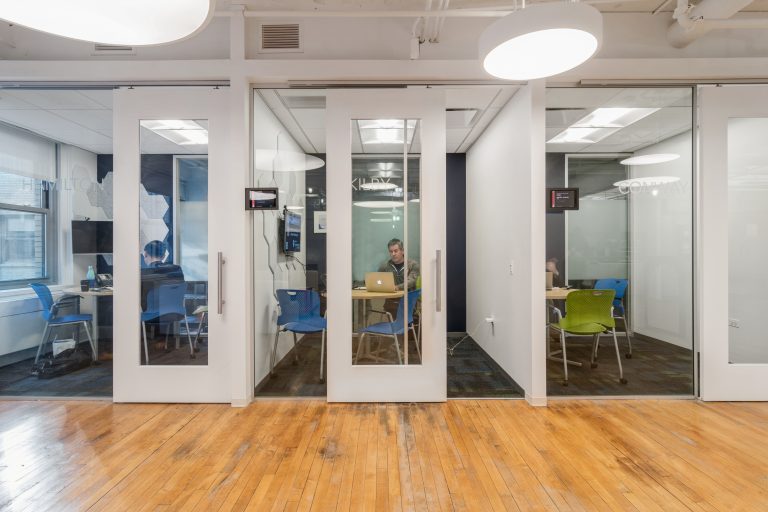
If you know/have the Meeting ID, you can join a meeting currently in progress from the Zoom Room Controller on the iPad.
You’ll need your Laptop or Phone.
You do not need to be a zoom company to use the screen sharing feature.
All TeamWorking Zoom-enabled rooms can now seamlessly connect to Google Meet, Microsoft Teams, and Cisco WebEx.
Sign up for our biweekly newsletter, Top 10 in Tech: Chicago
Curious about the team behind TeamWorking? Visit technexus.com.
© 2026 TeamWorking by TechNexus. All Rights Reserved. Privacy Policy.