
Meeting Rooms

Room names: Lovelace | Babbage | Cerf | Conference Room A, B, C, & D |  Collaboration Room X & Y

In-room technology:

  1. Tap New Meeting button located on in-room IPAD
  2. You will have access to the in-room meeting controls (same as on your laptop)
  3. From here, you have access to invite participants and change all zoom meeting settings.

If you know/have the Meeting ID, you can join a meeting currently in progress from the Zoom Room Controller on the iPad.

  1. From the home screen, tap join. The keypad will display.
  2. Enter the Meeting ID of the meeting you want to join
  3. Tap Join
  4.  

You’ll need your Laptop or Phone.

You do not need to be a zoom company to use the screen sharing feature. 

  1. Click the share button on the IPAD screen
  2. Instructions will appear for the app or browser directly on the IPAD
  3. If prompted, allow your web browser to open Zoom
  4. Select the screen or application you want to share, then click Share
    1.  

All TeamWorking Zoom-enabled rooms can now seamlessly connect to Google Meet, Microsoft Teams, and Cisco WebEx.

  1. Locate the iPad or Zoom Room Controller in your meeting space.
  2. Press the home icon on the screen’s left side to access the home screen.
  3. On the home screen, you will see three icons representing Google Meet, Microsoft Teams, and Cisco WebEx.
  4. Identify the video conferencing software you need for your meeting (Google Meet, Microsoft Teams, or Cisco WebEx).
  5. Tap the corresponding icon for the software you need.
  6. A prompt will appear asking for the meeting ID.
  7. Enter the meeting ID provided for your meeting (usually found in the meeting invitation or shared by the host).
  8. If a password is required, enter it when prompted.
  9. After entering the correct meeting details, the meeting will launch automatically.
Babbage Meeting Room

Huddle Rooms

Room Names: Borg | Carver | Conway | Franklin | Hamilton | Hopper | Johnson | Kilby | Lamarr | Pascal | Tesla 

Each enabled huddle room will have instructions on how to screen share directly on the screen!


Need additional assistance? Please reach out to [email protected] or locate your point of contact!
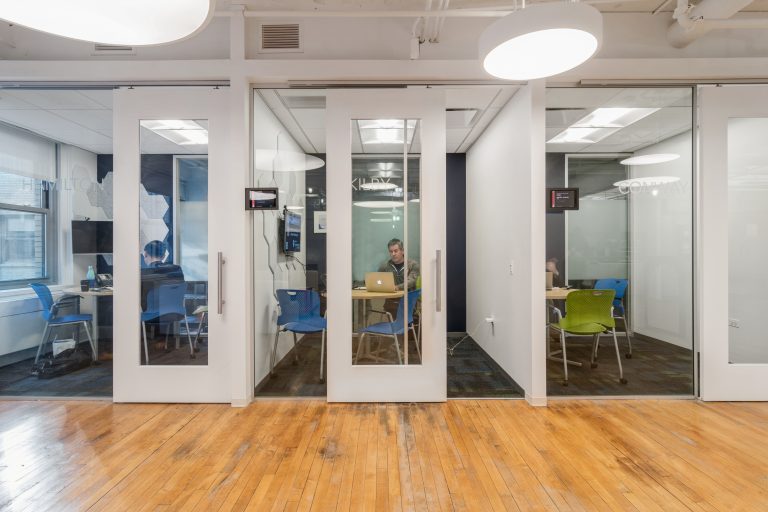
Private Huddle Rooms

The Technology-Forward Carts

In-room technology:

  • Poly Studio X30 All-In-One Video Bar
  • Controller iPad with pan, tilt, and zoom camera control
  1. Tap New Meeting button located on in-room IPAD
  2. You will have access to the in-room meeting controls (same as on your laptop)
  3. From here, you have access to invite participants and change all zoom meeting settings.

If you know/have the Meeting ID, you can join a meeting currently in progress from the Zoom Room Controller on the iPad.

  1. From the home screen, tap join. The keypad will display.
  2. Enter the Meeting ID of the meeting you want to join
  3. Tap Join
  4.  

You’ll need your Laptop or Phone.

You do not need to be a zoom company to use the screen sharing feature. 

  1. Click the share button on the IPAD screen
  2. Instructions will appear for the app or browser directly on the IPAD
  3. If prompted, allow your web browser to open Zoom
  4. Select the screen or application you want to share, then click Share
    1.  

All TeamWorking Zoom-enabled rooms can now seamlessly connect to Google Meet, Microsoft Teams, and Cisco WebEx.
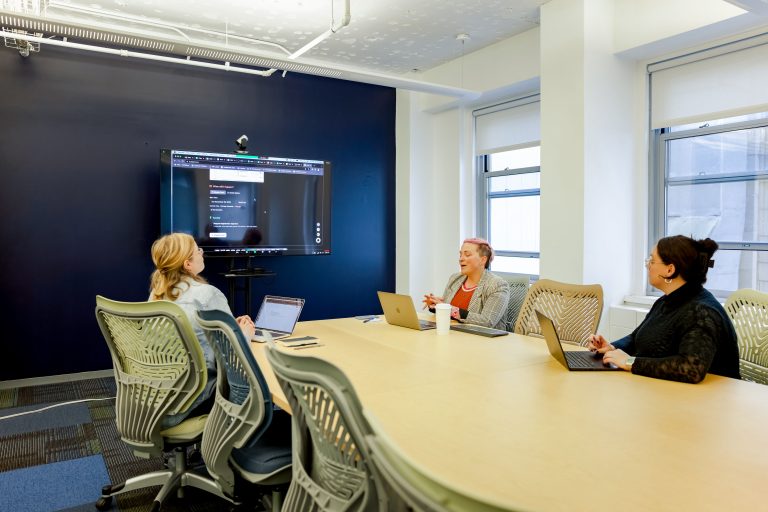
  1. Locate the iPad or Zoom Room Controller in your meeting space.
  2. Press the home icon on the screen’s left side to access the home screen.
  3. On the home screen, you will see three icons representing Google Meet, Microsoft Teams, and Cisco WebEx.
  4. Identify the video conferencing software you need for your meeting (Google Meet, Microsoft Teams, or Cisco WebEx).
  5. Tap the corresponding icon for the software you need.
  6. A prompt will appear asking for the meeting ID.
  7. Enter the meeting ID provided for your meeting (usually found in the meeting invitation or shared by the host).
  8. If a password is required, enter it when prompted.
  9. After entering the correct meeting details, the meeting will launch automatically.
TeamWorking Meeting Space